
Your first complete commentary recording needs a clear beginning, a game you can follow and a file you can listen to afterward. Set up a private practice session before taking on a live audience. That gives you room to discover whether your notes, microphone and delivery work together.
This guide covers the session around the call. For the words you use during moving action, start with our play-by-play practice guide. If you are working beside another caller, decide whether you are carrying the action or providing color commentary between plays.
Define the assignment before opening the recorder
Write a sentence describing what you intend to make: “A private audio practice call of one passage of basketball.” That is enough to settle several choices. An audio-only listener needs descriptions of location. A private recording does not need an introduction promising viewers a live stream. A short passage does not need the full production plan for an entire game.
Choose material you are allowed to use for the exercise. Keep practice based on third-party footage private unless you have established permission to distribute the material. For a real event, confirm your assignment and access with the organizer before arriving with recording gear.
Use a game you understand well enough to follow without constantly stopping to look up basic terms. You can build toward another sport later. For this session, the useful challenge is keeping a coherent call going from your opening to your sign-off.
Put usable information within reach
Prepare a roster that you can scan by number, then put background notes on a separate page. Check names and pronunciations against reliable team information or a direct confirmation where available. Mark anything you still need to verify instead of letting it blend into the checked notes.
At his 2026 Emerson workshop, Tim Neverett discussed his system for accessing player information during games. The useful lesson for a first practice call is organization: information needs to be findable when the play demands it. You do not need to reproduce a professional broadcaster’s entire research routine.
Open the exact roster and game information before recording. If you depend on a web page, save a permitted local copy or a short set of your own notes so a lost connection does not also remove every player name. Put the date and source beside copied facts.
Record a test and play it back
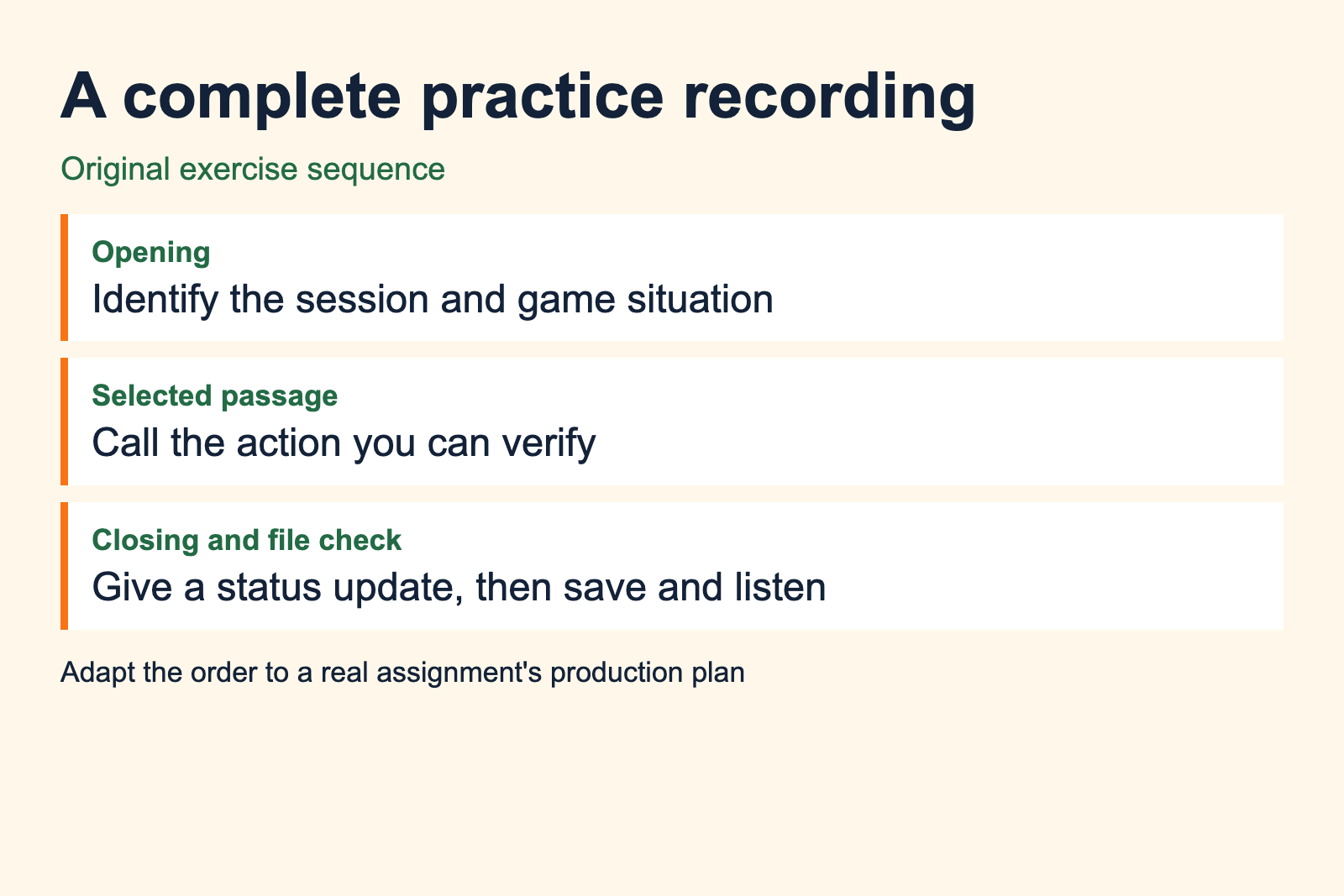
Select the microphone you intend to use in your recording software. Speak at the volume you expect during the call, including one more excited sentence. Stop the test and listen through headphones. You should hear your voice clearly, without crackling distortion or another audio source covering the words.
Audacity’s microphone guide describes selecting the input, making a test and listening back. It also explains clipping from recording too loudly. If louder phrases distort, lower the input level or adjust your position and test again. Raising playback volume afterward cannot recover the clean sound that was lost during clipping.
If you use OBS, its official quick-start guide recommends checking audio devices and running a test before the main recording. An active meter is useful evidence that a signal is arriving, but listening to the saved test tells you which sound actually reached the file.
Keep the setup stable after the check. Moving the microphone, changing inputs or switching the output device can change what you hear or record. If you make a change, repeat a short test rather than relying on the earlier result.
Use a short run of show
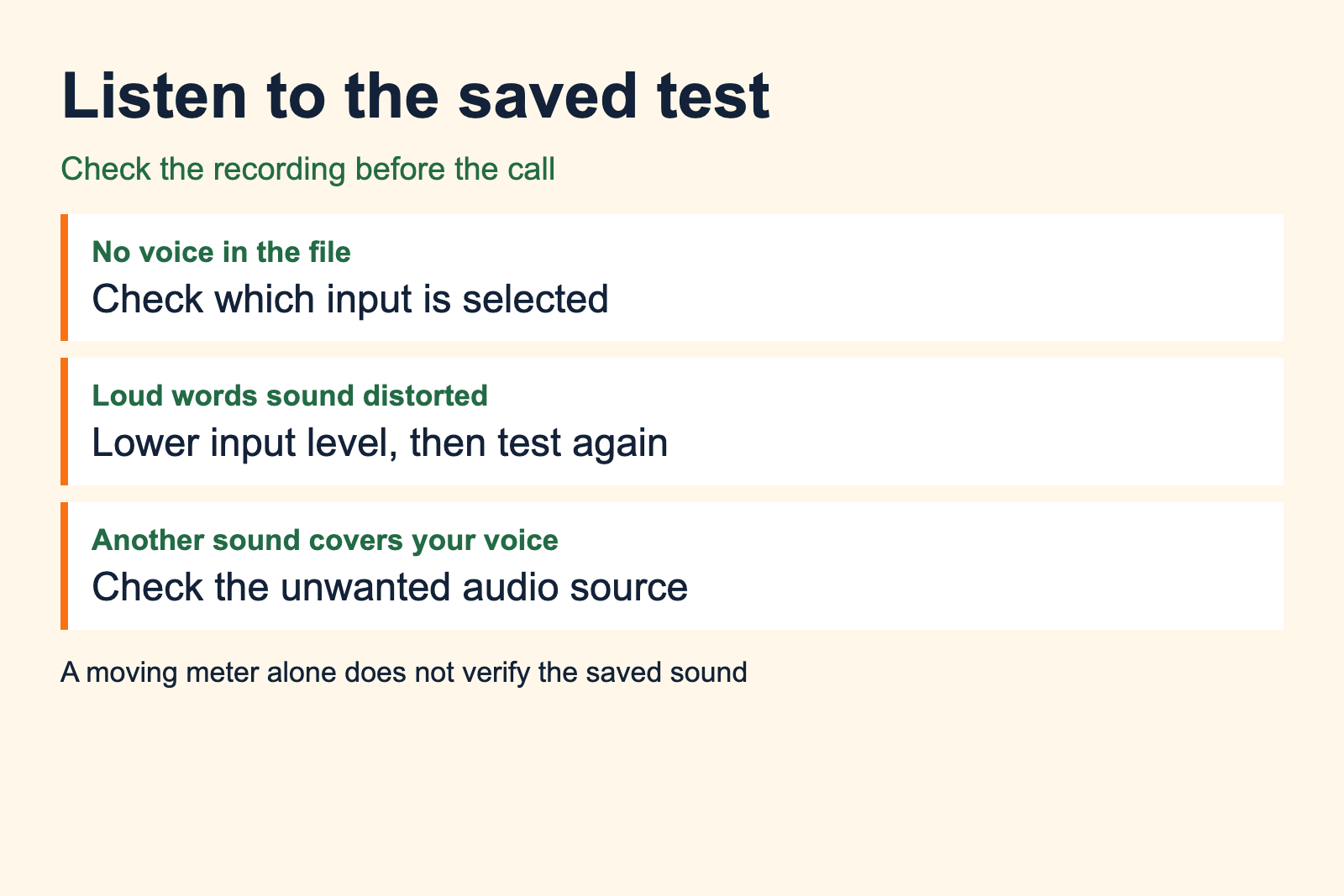
A run of show is an ordered set of segments. For this exercise, write a brief opening, the passage you plan to call and a closing. Add a reminder to start the recorder before speaking. The order helps you finish a usable sample instead of stopping as soon as the main action ends.
- Identify the practice recording and establish the teams and game situation.
- Call the selected passage, keeping track of the action and score as available.
- At the end of the passage, give a clear status update based on what you verified.
- Close the recording, stop the recorder and check the saved file.
These are suggested exercise stages, not a station’s required format. A real assignment can include sponsor reads, interviews or producer cues. Use the actual assignment’s instructions when they exist, and clarify the order with your producer before the event.
Keep going through a small mistake
If you lose a name, describe the action you can see and confirm the player when you have a moment. Correct a mistaken identification without inventing a reason for the error. Then return to the game. Restarting the entire practice recording after every stumble prevents you from practicing a recovery.
If the picture freezes, say what you can still verify. Do not continue narrating as though you can see new action. In private practice you can stop, note the interruption and resume with a fresh recording. On a real production, use the fallback agreed with the producer.
In his account of preparing broadcast backups, Alex Rawnsley asks what happens when a microphone, mixer or connection fails. Apply that question before accepting a live assignment. Knowing who handles a failed feed and how you contact them belongs in the production plan.
Check the whole saved sample
After stopping, locate the file and play its beginning and ending. Confirm that it contains your introduction and closing, then listen through the call. Save it with a name that identifies the sport, date and attempt so you can find the version you reviewed.
Write one note about content and one about recording quality. “I lost the player name during the transition” tells you what to practice. “The voice becomes distorted when I raise it” tells you to repeat the recording check. Keep these problems separate so a technical fault does not become a vague judgment about your ability.
Make the next attempt with one deliberate change. Keep the earlier file alongside it and compare the specific passage that caused trouble. A complete, reviewed sample gives you a clearer starting point for the next session.
After reviewing the recording, select a passage that shows clear, accurate commentary. Use the demo-reel workflow to explain the assignment and your role.
Sources and recording guidance
- Emerson’s Tim Neverett workshop report, February 18, 2026.
- Audacity microphone recording guidance, accessed September 2026.
- OBS quick-start guide, accessed September 2026.
- Alex Rawnsley on broadcast backups, accessed September 2026.