
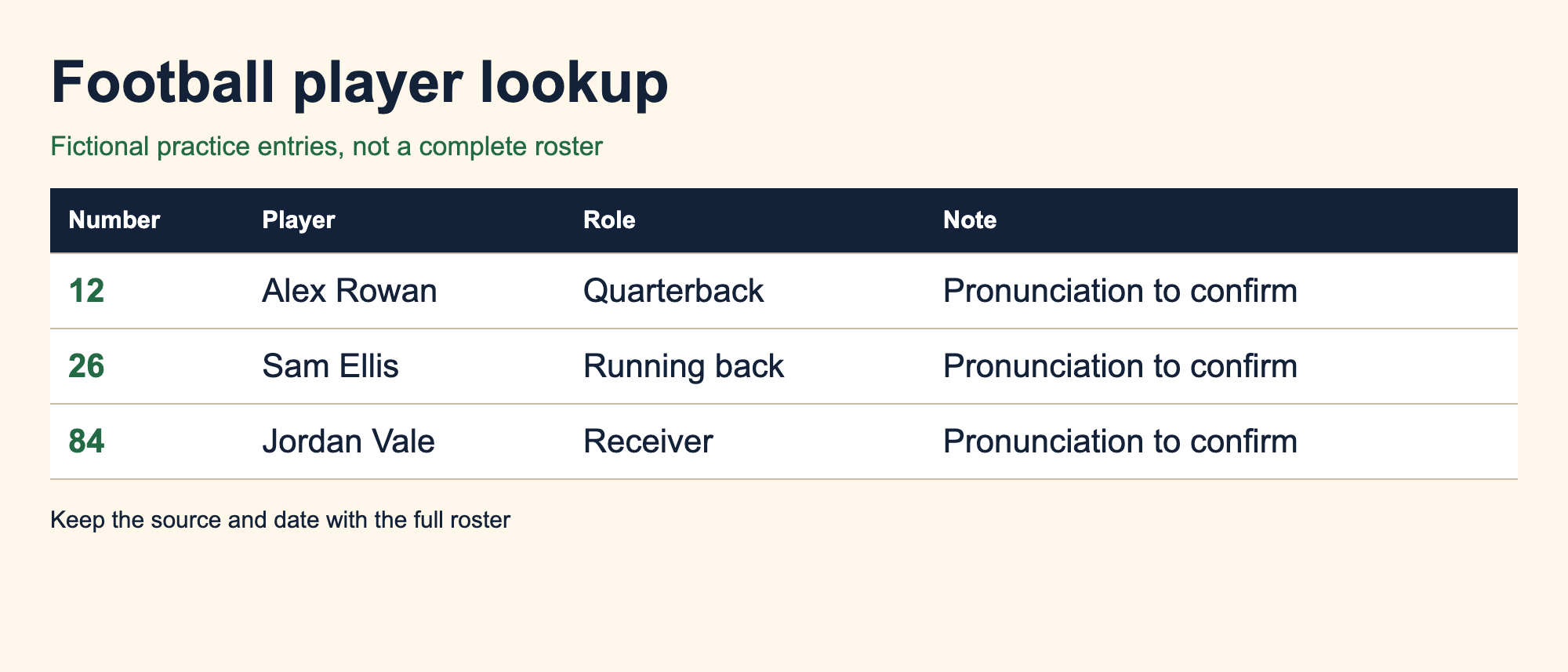
A football spotter board puts player names and numbers where you can find them during a call. Build it from a checked roster, leave room for corrections and test it while watching action. A crowded page that slows down the lookup needs a different layout.
The example here uses fictional players and a simple numerical list. It is a starting worksheet, not an official depth chart or a full roster. You can use the same fields in a spreadsheet and print enough rows for the teams you are covering.
Choose a layout for the lookup
Broadcaster Logan Anderson describes his own football chart as a layout he adapted over time. He groups one team’s offense opposite the other team’s defense and keeps team information separate. That is one workable method, not a requirement to arrange every board as a formation.
For your first sheet, a numerical list is easier to build and check. Put the jersey number at the left, make the name easy to read, and place a short role or position label beside it. Use separate pages or clearly labeled areas for each team so identical numbers do not send you to the wrong player.
If you later find that position groups help you locate players faster, try that arrangement on a second copy. Keep the full numerical roster nearby. The Sportscaster Life resource library notes that broadcasters’ preparation sheets vary in size and complexity. Choose based on the lookup you need to perform.
Collect fields you can verify
Start with the current official roster supplied by the team, league or event. Record the source and the date you checked it. Copy names carefully, including punctuation, and make sure a number belongs to the same player in the material you are using.
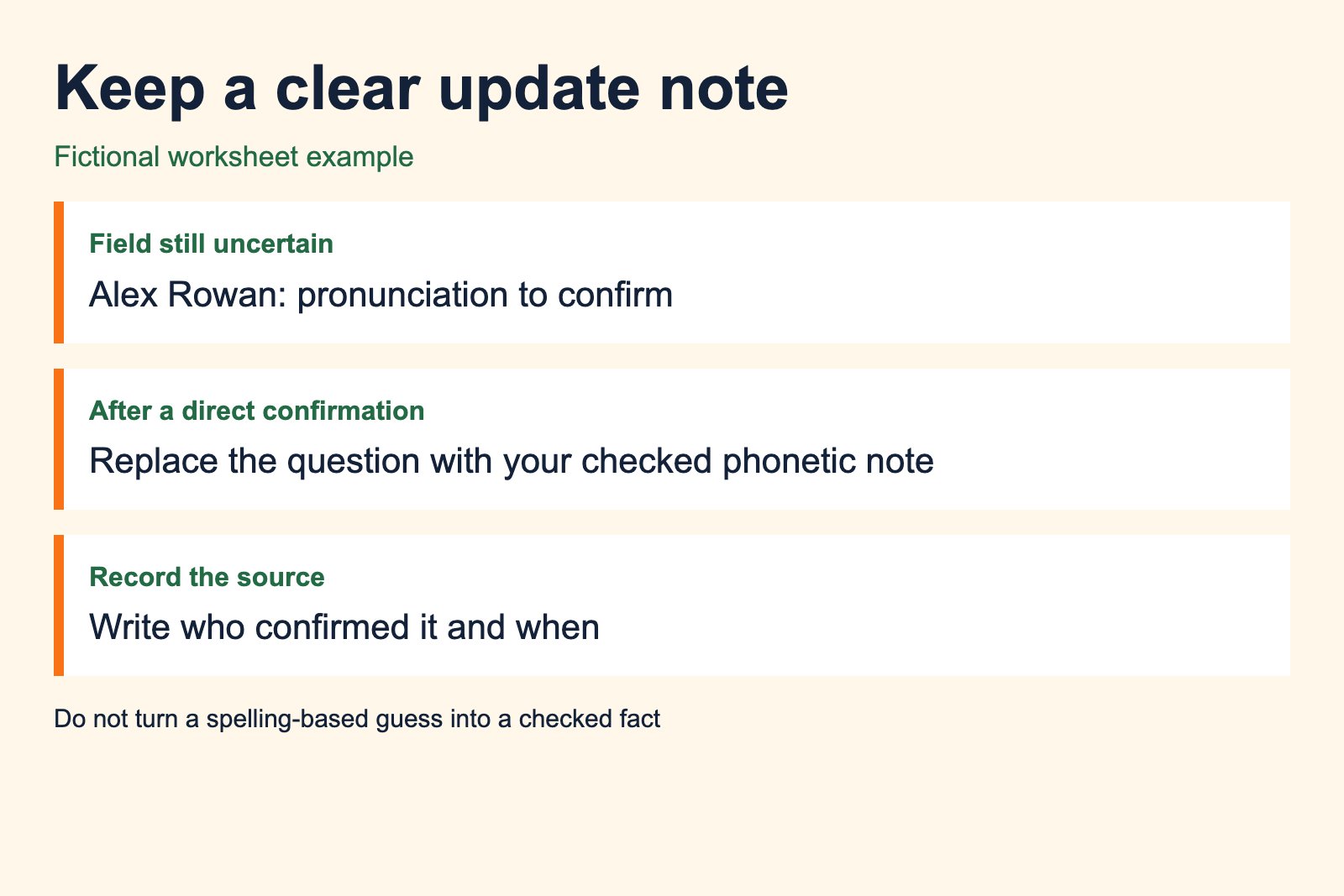
Add a pronunciation note only when you have a dependable confirmation. A spelling-based guess should remain marked as a question. Before a real assignment, use the organizer’s media contact or a provided pronunciation guide to resolve it when possible.
Do not let background details compete with identity. If a note needs a long sentence, put it on a separate page and add a short reference on the board. You can return to that detail during a pause instead of reading through it every time you need a name.
Keep uncertain information visibly separate from confirmed fields. A blank role is better than a confident-looking label copied from an old roster. A spotter board should make the checked information easier to find, without hiding what still needs attention.
Build a consistent player row
Use the same order for every entry. In our fictional example, the number comes first, followed by the name and a short role label. A final space holds a checked pronunciation note or a brief reminder. These are example fields rather than a complete list of what a broadcaster must record.
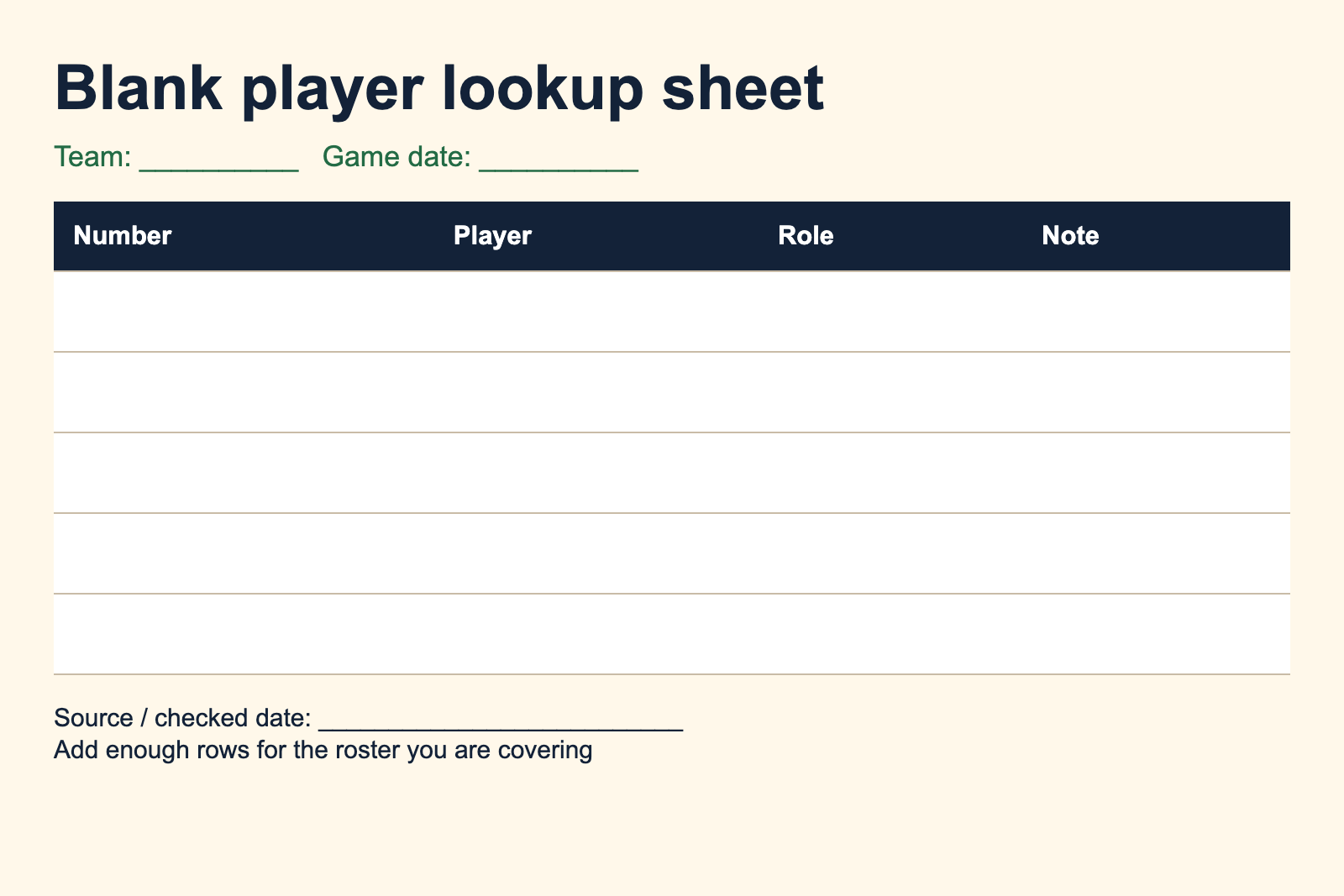
You can copy this order into a spreadsheet: number, player, role, note, source checked. Put the team name and game date above the rows. Sort the number column as numbers, then check that the associated names and notes moved with the correct rows.
The blank sheet below provides a small area for practice. Add rows for the real roster before using it on an assignment. Keep the type large enough to read at the distance between your eyes and the desk.
Keep game tracking on another sheet
A roster lookup answers who the player is. A drive chart records how the game is progressing. STAA’s free-tools library lists offense-defense charts and drive charts separately, which is a useful distinction when deciding where your notes belong.
Do not overwrite a player’s number with a running total or squeeze an entire scoring sequence into the name field. Use another sheet for the changing game information. Mark a short reference on the board only if it helps you locate a note you expect to use.
Our play-by-play practice guide uses a separate place for score and stage of the game. Keeping those details visible helps you give an update without searching through the roster.
Print a copy and try it during action
View the sheet at its intended print size before deciding that it fits. A spreadsheet can look spacious on a large monitor and become cramped when scaled onto paper. Check the rightmost column and the last row in print preview, and confirm that the team label stays on each page.
During a private practice call, use the board to find players as they appear. When a lookup interrupts the call, note where you searched first and where the entry actually was. That observation tells you whether the problem is ordering, type size or too much material around the name.
Change the layout and try again using the same passage. This is a practical comparison, not a timed performance test. Keep the version that lets you return your attention to the action with fewer unnecessary searches.
Make updates visible and traceable
When information changes, correct the field and note the source of the update. On paper, cross out an obsolete entry clearly instead of writing a competing number beside it. On a digital sheet, save a new dated version so you can tell it apart from the earlier printout.
Before the next recording, check that you have the latest version of each team’s sheet. Run it through a complete practice session with your recording setup and other notes in place. If the board takes too much desk space or hides another reference, adjust the page arrangement before the real assignment.
Keep the board with your recording notes. When you select work for a demo reel, those notes help explain how you prepared the call.
Sources and alternative templates
- Logan Anderson’s spotting-chart method, September 2016. Personal method, not an official standard.
- STAA free tools, accessed September 2026. Original authors retain credit for their downloads.
- Sportscaster Life downloads, accessed September 2026. Alternative practitioner layouts.